
Castle app APK

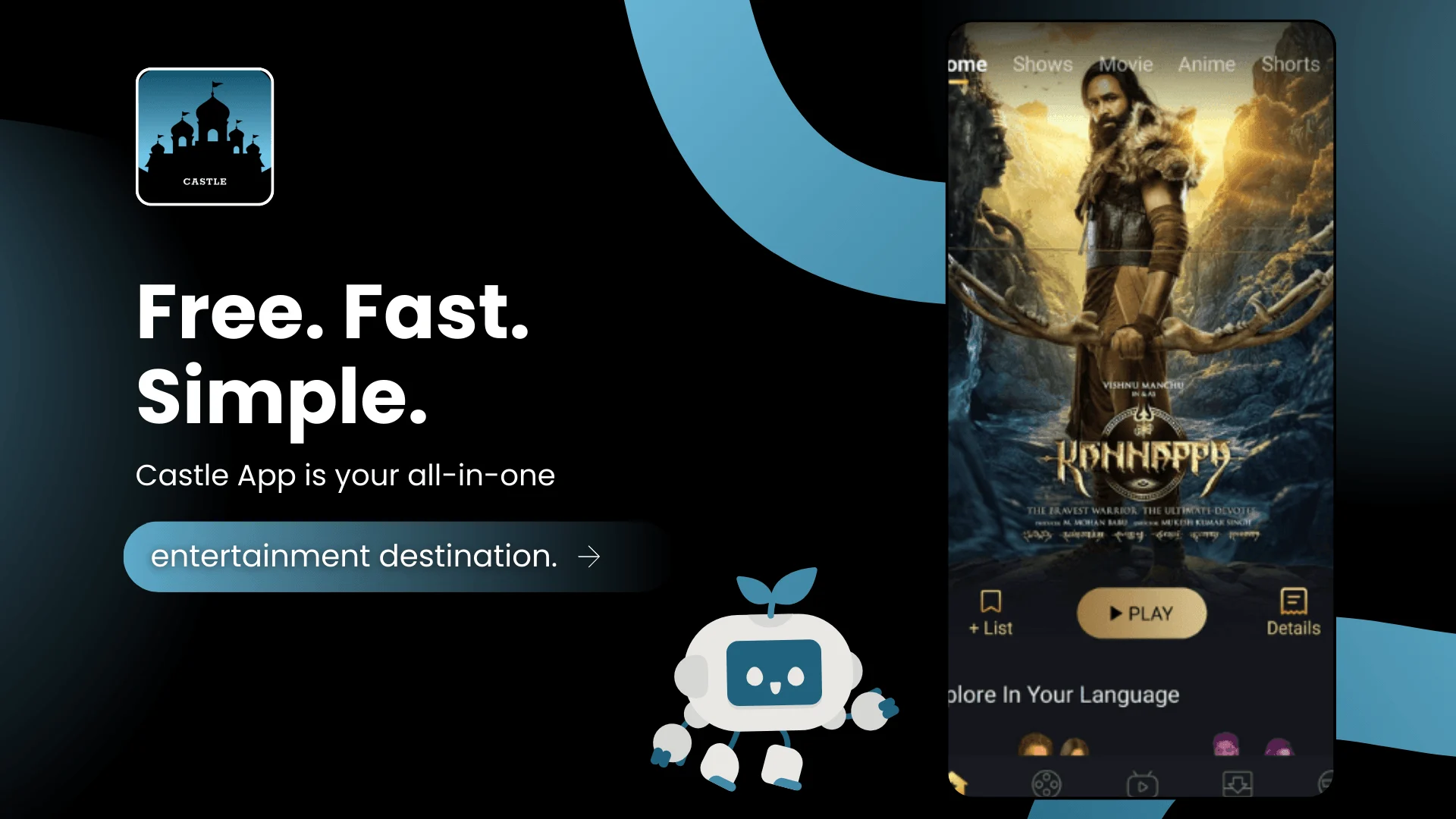
Castle app is a globally used free entertainment hub that covers all tastes of content. It offers a clean, user-friendly experience with regular updates. You can download the latest version of the APK from this page and install it on your device in minutes, and the app works on most Android phones and tablets.
Version: V297.0 Size: 86.16 MB
Castle app is a free Android application with a clean, user-friendly interface. Download the latest version of the APK from this page and install it on your device in minutes. The app is lightweight, regularly updated, and works on most Android phones and tablets.

|
Name |
Castle app |
|
Size |
16.4 MB |
|
Version |
V93 |
|
Android Required |
4.5+ |
|
Developer |
Castle app Team |
|
Category |
Entertainment |
|
Last Updated |
1 Hour Ago |
|
Total Downloads |
47 M+ |
Exploring the Features and Functionality of the castle app for Android Users

Finding a versatile mobile entertainment platform can be challenging for modern smartphone users. This comprehensive overview examines the castle app, designed specifically for Android device owners who want to explore digital media options. Whether you are curious about its core capabilities, device requirements, or safety protocols, this guide breaks down the essential details to help you make an informed decision before proceeding.
What is castle app
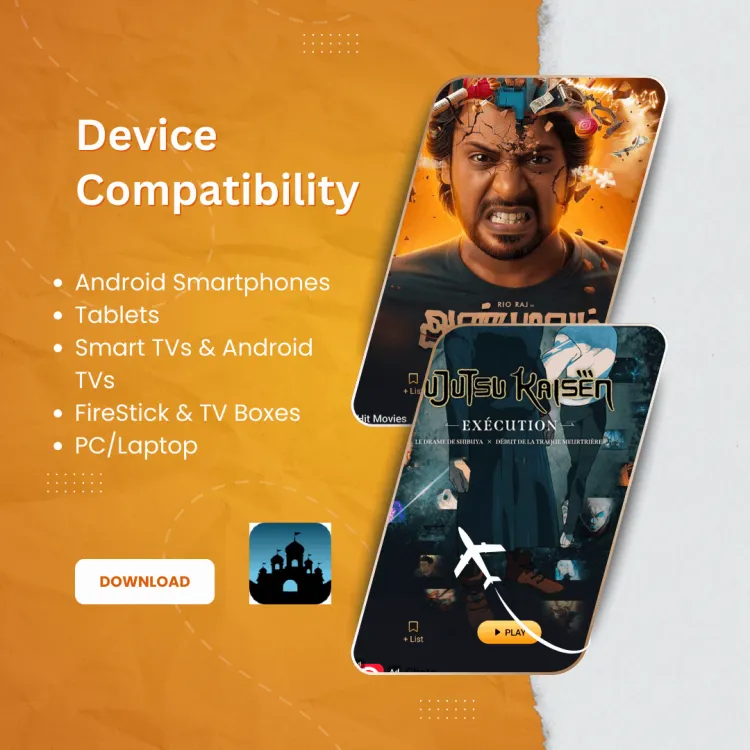
The castle app functions as a mobile software solution targeted at individuals seeking various forms of video entertainment on their smartphones and tablets. It compiles a wide array of streaming categories, catering to users interested in digital media playback. Regarding content sourcing, this page could not verify that the app holds licences for the content it offers. Users should note that media availability and broadcasting rights vary widely across different digital platforms, and verifying the authenticity and legality of streamed material remains crucial before use.
Platforms of this nature typically aggregate various types of videos, but transparency regarding official distribution agreements is often limited. Viewers in India and other regions should exercise caution and understand that unverified applications might present legal and technical ambiguities. Evaluating whether a platform meets standard industry compliance standards helps protect your personal data and ensures a stable viewing environment.
Key Features
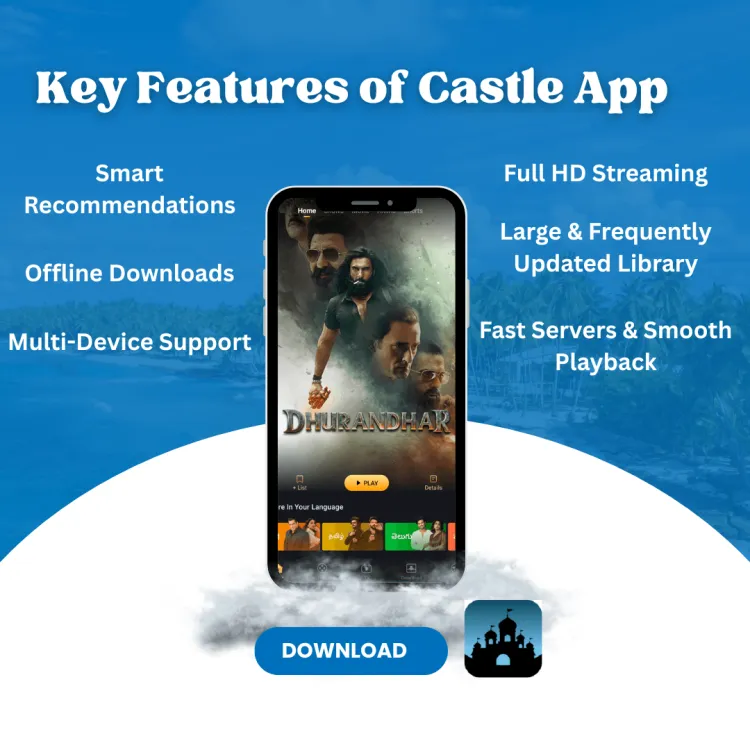
Modern applications integrate several tools to enhance usability and playback quality. Below are the primary features associated with the castle app.
User Interface and Navigation
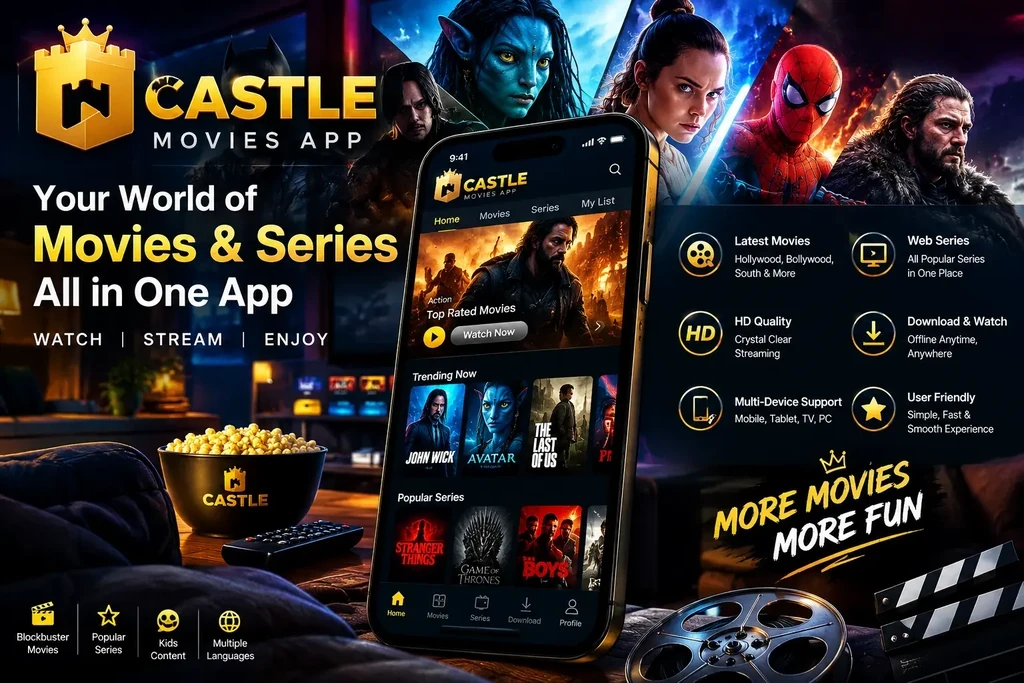
The layout is designed to be straightforward, allowing users to browse through different menus and categories without excessive complications. A clean interface helps both novice and experienced Android users locate desired settings and playback options quickly.
Subtitles and Multilingual Support
Many digital media players include subtitle toggles and multi-language audio choices to accommodate diverse audiences. This feature assists viewers who prefer watching content in regional languages or with translated subtitles enabled on their screens.
Playback Quality Control
Users often look for resolution adjustment tools to manage data consumption and video clarity based on their current internet connection speed. Manual quality selection helps maintain smoother playback during varying network conditions.
Casting and Screen Sharing
The inclusion of casting functionality allows users to mirror video content from their smartphone screens onto compatible smart television sets, creating a more immersive living room viewing experience.
Watchlists and Favorites
Organizing preferred media becomes easier with a dedicated bookmarking system. Users can save titles to a personalized list, ensuring quick access during future viewing sessions without needing to search repeatedly.
What You Can Watch
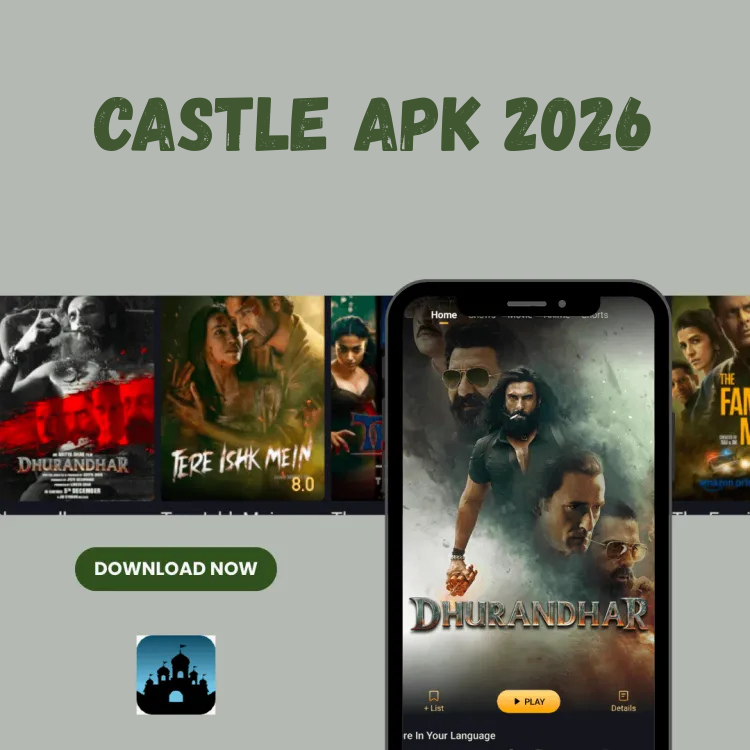
The platform generally features a diverse selection of video content spanning multiple genres and regional languages. Users often encounter categories dedicated to Bollywood releases, South Indian regional films, classic cinema, and episodic web series. Language options typically reflect popular Indian preferences, including Hindi, Tamil, Telugu, and other regional dialects. However, specific catalog updates and availability fluctuate frequently. Viewers should keep in mind that the exact lineup of movies and shows depends heavily on external server conditions and unverified source feeds.
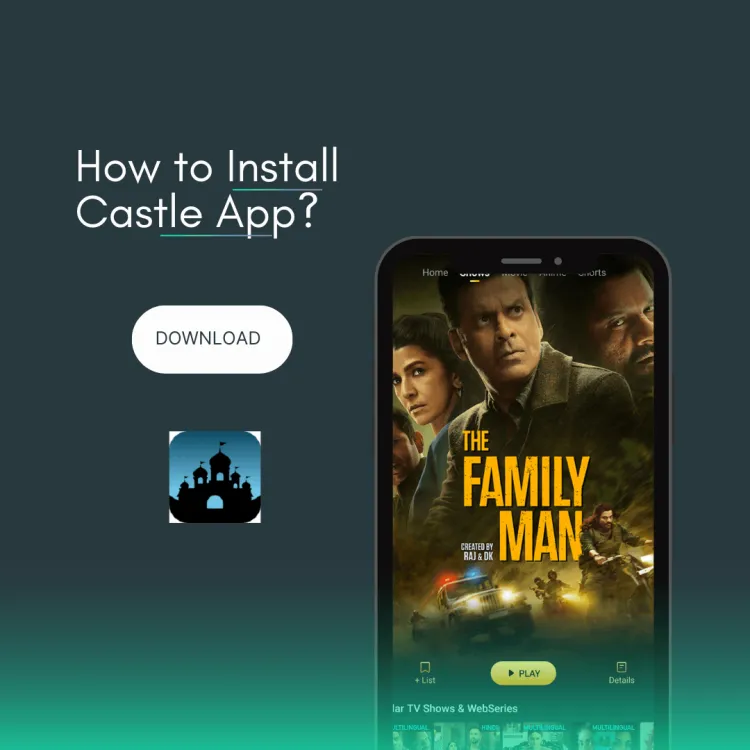
Device Compatibility
castle app vs Licensed OTT Platforms
| Feature | castle app | Licensed OTT Platforms |
|---|---|---|
| Content Licensing | Not confirmed | Fully licensed |
| Pricing Model | Typically free / Ad-supported | Subscription or tiered plans |
| Video Quality | Variable | HD / 4K with Dolby Atmos |
| Advertising | Frequent third-party ads | Minimal or ad-free tiers |
| Customer Support | Not provided | 24/7 dedicated support |
| Update Source | Third-party websites | Official app stores |
Pros and Cons
| Pros | Cons |
|---|---|
| Simple and clean navigation interface | Not available on official app stores |
| Lightweight installation package | Risk of unknown malware in unverified APKs |
| Includes screen casting and subtitle options | Frequent advertisements and stability issues |
| Compatible with various Android hardware | Lack of official customer support channels |
Safety and Legal Considerations
Installing applications from unknown sources or outside official distribution channels carries inherent digital risks. When you download an APK file from third-party websites, you expose your device to potential malware, spyware, and excessive permission requests that can compromise your personal privacy. Furthermore, unverified apps often lack automatic update mechanisms, leaving security vulnerabilities unpatched.
Regarding content distribution, this page could not verify that the app holds licences for the content it offers. Streaming or downloading copyrighted material without explicit authorization may violate regional copyright laws in India. Users are advised to exercise caution and thoroughly research the legal implications of accessing unverified streaming services.
Before installing any third-party software on your Android device, always perform essential checks: verify the developer's identity, review the requested app permissions carefully, and ensure your device security tools, such as Google Play Protect, are actively monitoring incoming software packages.
Before You Install
Because applications distributed outside official marketplaces lack verified safety certifications and confirmed content licenses, users should carefully evaluate their options. Consider reviewing established and secure streaming providers available through official app stores before proceeding with unverified installations.
Common Problems
Users of third-party media applications frequently encounter technical hurdles. Here are common troubleshooting steps for typical issues:
Licensed Alternatives
For a secure, legal, and reliable streaming experience, consider utilizing official Indian OTT platforms:
Frequently Asked Questions
Is the castle app safe to download on Android?
Downloading apps from third-party websites always carries inherent risks, including potential malware and privacy concerns. Official verification is lacking, so users should proceed with extreme caution and use reliable mobile security software.
Does the app hold official content licenses?
This page could not verify that the app holds licences for the content it offers. Users should independently review copyright compliance and consider authorized streaming services to avoid legal risks.
Can I install this application directly from the Google Play Store?
No, the application is typically distributed via third-party websites as an APK file rather than through official app marketplaces like the Google Play Store.
What should I do if the video playback keeps buffering?
Buffering is usually caused by unstable internet connections. Try switching between Wi-Fi and mobile data, clearing the app cache, or restarting your device to improve performance.
Are there any subscription fees required to use the app?
Pricing structures for unverified applications vary, but users should remain cautious of hidden costs, in-app purchases, or intrusive advertisements that frequently accompany third-party software.
Conclusion
The castle app presents various media playback options for Android users interested in exploring mobile streaming tools. However, due to unverified content licensing and potential security risks associated with third-party APK installations, users must exercise careful judgment. If you prioritize security, legal compliance, and stable performance, exploring verified mainstream streaming services remains the most prudent choice.